Choose a circuit analyzer by matching the tool to the signal or fault you need to investigate: a multimeter for basic electrical checks, an oscilloscope for changing waveforms, a logic analyzer for digital timing, and simulation software before hardware changes.
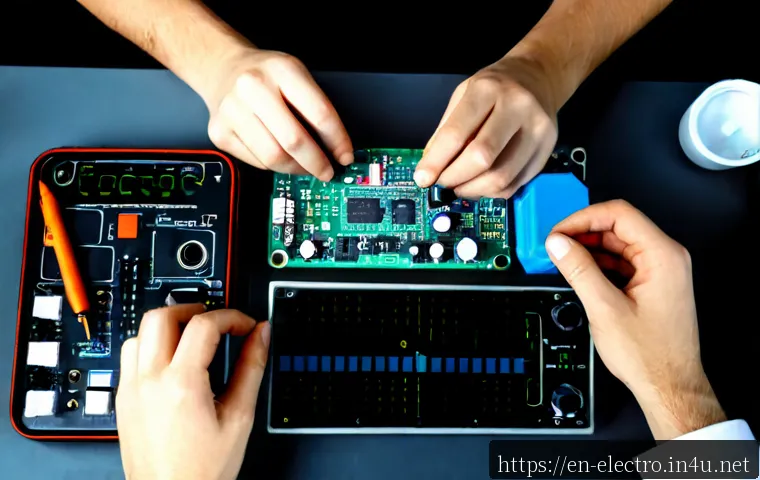
For many benches, the most useful first purchase is a reliable digital multimeter, with an oscilloscope or logic analyzer added only when the work requires it.
The right choice depends on voltage level, analog or digital signals, required channels, safety limits, and whether you need records for repeatable testing.
Compare probe options, calibration support, software licensing, and accessories alongside the instrument itself. A lower initial price can be less useful if the setup cannot safely measure the circuits you work on or lacks the functions your workflow needs.
At a Glance
- Use a digital multimeter for voltage, current, resistance, continuity, and other basic static measurements.
- Use an oscilloscope when you need to see ripple, noise, timing, or short signal changes over time.
- Use a logic analyzer or simulation software for multi-channel digital debugging or pre-build design checks.
| Tool category | Best use case | Key comparison points | Ownership-cost factors |
|---|---|---|---|
| Digital multimeter | Power checks, continuity tests, resistance, and basic fault finding | Measurement ranges, accuracy, input limits, safety rating, capacitance or frequency functions | Test leads, replacement probes, calibration needs |
| Oscilloscope | Waveforms, ripple, switching noise, transients, and timing checks | Bandwidth, channel count, sample rate, memory depth, probe compatibility | Probe upgrades, data logging, calibration support, training time |
| Logic analyzer | Digital buses, protocol decoding, and multi-channel timing analysis | Channel count, supported protocols, capture depth, software workflow | Software features, decoding options, accessories |
| Simulation software | Testing circuit behavior before building or modifying hardware | Supported models, analysis features, export options, usability | Software subscriptions, licensing terms, learning time |
What Tool Do You Actually Need to Analyze a Circuit?
Quick answer: match the instrument to the signal and fault type
A “circuit analyzer” is not one fixed product category. It may mean a handheld meter, a bench oscilloscope, a USB logic analyzer, circuit simulation software, or a specialized system for a particular field. Start with the question you need answered. If you need to know whether a rail is present, a digital multimeter is often appropriate. If the rail exists but appears unstable, an oscilloscope can show ripple or transient behavior. If digital devices are not communicating correctly, a logic analyzer may provide a clearer view across several signal lines.
When one general-purpose meter is enough—and when it is not
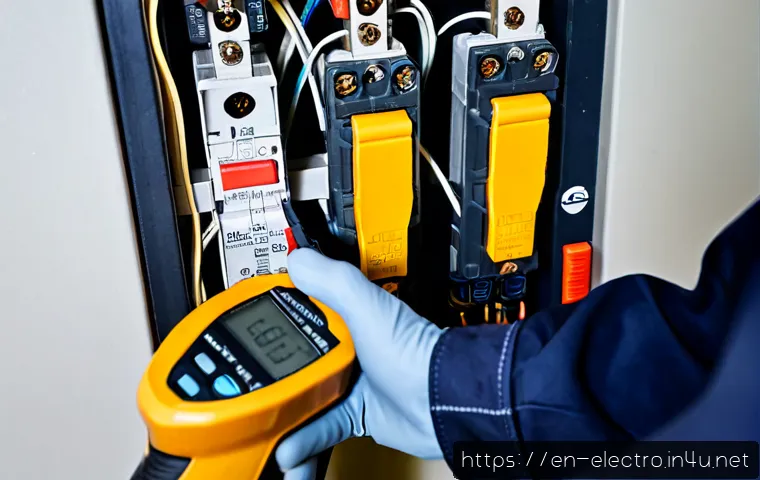
A multimeter is a practical starting tool for many low-voltage benches. It can commonly measure voltage, current, resistance, and continuity, with some models also offering capacitance or frequency functions. It is useful for checking a fuse path, confirming a supply voltage, or finding an open connection. However, it does not visualize fast-changing voltage behavior. A meter may show an average or changing value while hiding noise, timing faults, or switching ripple that an oscilloscope can reveal.
The first three checks before buying any diagnostic tool
First, identify whether your work is mainly low-voltage analog, digital, automotive, industrial, or mains-connected. Second, list the measurements you repeatedly need: basic values, waveform capture, digital protocol decoding, or simulation. Third, verify the instrument’s measurement limits and safety rating against the voltage and energy level of the circuits you expect to test. Do not treat a feature list as a substitute for suitable probes, correct grounding, and safe operating limits.
Compare the Main Options for Circuit Testing
Digital multimeter for static electrical measurements
A digital multimeter is usually the simplest tool for initial diagnosis. It supports power-off checks such as continuity and resistance, then power-on checks such as voltage or current where the instrument and setup are appropriate. For students and basic repair work, a meter with clear ranges and suitable input limits may be more valuable than advanced features that will not be used. Look closely at test lead quality, replacement probe availability, and calibration options if consistent measurements are important.
Oscilloscope for waveform, noise, and timing faults
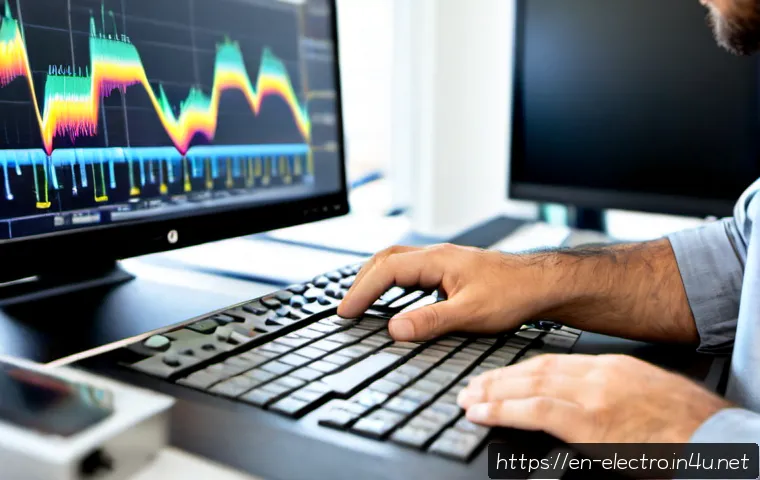
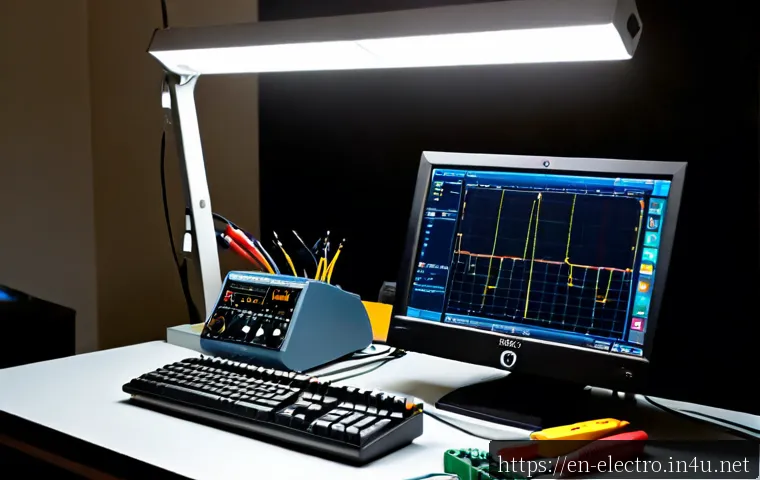
An oscilloscope is designed to visualize voltage changes over time. This makes it useful for investigating ripple, noise, timing, and transient events that are difficult to interpret with a meter alone. Higher bandwidth, additional channels, and deeper capture capability can add value when the signals and workflow require them, but they can also increase equipment cost. Before comparing oscilloscope models, decide how many signals you genuinely need to view at once and whether you need saved waveforms or long-term data logging.
Logic analyzer for digital buses and multi-channel timing
A logic analyzer is a focused choice for embedded development and digital troubleshooting. It can capture multiple digital signals and may decode supported protocols, helping you compare timing and data activity across channels. Protocol decoding can be a meaningful upgrade when it matches the devices you work with; otherwise, it may add cost without improving the diagnosis. Review the software interface, export options, channel count, and supported decoding features before choosing a logic analyzer.
Simulation software for design-stage verification
Circuit simulation software helps model expected behavior before hardware is built or modified. It can be useful when comparing design choices, checking assumptions, or planning measurements before connecting equipment to a board. Simulation does not remove the need for bench verification, because real measurements can still be affected by probes, grounding, device settings, and the physical circuit. Consider software licensing, subscription terms, available component models, and the time needed to learn the workflow.
Specifications That Affect Value, Cost, and Results
Bandwidth, sample rate, memory depth, and channel count
These specifications matter most for oscilloscopes and logic analyzers. Bandwidth affects the signals an oscilloscope can observe, while sample rate and memory depth influence how a capture is recorded and reviewed. Channel count matters when comparing related signals, such as a clock line and data line or several points in a circuit stage. Pay for higher specifications when they solve a known testing need, not simply because they appear on a comparison chart.
Input ranges, safety categories, and isolation requirements
Every measurement begins with limits. Confirm the tool’s input range, stated safety information, and any isolation requirements for the circuit under test. This is especially important around higher-voltage or higher-energy equipment. The instrument, probe, grounding method, and measurement point all matter. A capable analyzer used outside its intended limits can produce misleading readings, damage equipment, or create an unsafe condition.
Protocol decoding, data export, logging, and software licensing
Digital protocol decoding and waveform export can improve a professional troubleshooting workflow because they make results easier to compare and document. Data logging may also matter when a fault is intermittent. These features can be tied to software packages, subscriptions, or model-specific options, so check the current product page and licensing terms before buying. Avoid assuming that a feature shown in a product family comparison is included with every configuration.
Accessories, calibration, warranties, and long-term ownership cost
The purchase price is only part of the cost of test equipment. Include suitable probes, replacement leads, adapters, software options, training time, and possible calibration support in the comparison. For occasional student use, a straightforward setup may be enough. For repair work or team use, documented calibration, reliable accessories, and support arrangements can carry more practical value than a longer feature list.
A Practical Workflow for Finding Circuit Faults

Start with visual inspection and power-off checks
Begin with a careful visual inspection. Look for disconnected wiring, damaged connectors, incorrect component orientation, or obvious board contamination. With power removed where appropriate, use continuity and resistance checks to investigate connections and possible open paths. This low-risk first pass can prevent unnecessary signal chasing.
Verify power rails and reference points before chasing signals
Confirm expected supply rails and establish a valid reference point before interpreting signal measurements. A digital problem can appear to be a firmware or communication issue when the underlying power rail is unstable. If voltage is present but behavior is uncertain, move from a multimeter reading to waveform observation with an oscilloscope, using an appropriate probe and grounding method.
Compare expected and measured behavior one stage at a time
Work through the circuit in sections rather than probing randomly. Compare the expected input and output of each stage, then narrow the search when the behavior changes. For digital systems, a logic analyzer can help compare signal timing across multiple lines. For design work, simulation software can provide a reference for expected behavior before making a hardware change.
Record readings and waveforms for repeatable troubleshooting
Write down meter readings, instrument settings, probe type, reference point, and captured waveforms. This creates a repeatable trail for later checks and team handoffs. Data export and logging features are most useful when they support this process, not merely because they are available.
Common Measurement Mistakes and Safety Checks
Using the wrong probe, range, or ground connection
Probe selection and grounding method can affect accuracy and interpretation. A measurement may look incorrect because the probe, input range, or instrument setting is unsuitable for the signal. Check the probe compatibility, input impedance, grounding arrangement, and selected mode before assuming the circuit is faulty.
Misreading switching noise, ripple, and unstable signals
Changing signals need context. A fluctuating meter display does not automatically identify the cause, and a waveform should be interpreted with the measurement setup in mind. Oscilloscope bandwidth, probe choice, device settings, and grounding can all influence what you see. Compare readings at known reference points and repeat the measurement when the result is unclear.
Avoiding unsafe measurements on high-energy or mains-connected circuits
Do not use a tool simply because it physically connects to the circuit. Verify that the instrument, probes, safety rating, and measurement limits fit the application. If the circuit category or energy level is uncertain, stop and consult the equipment documentation or a qualified testing resource. Safety decisions should come before feature comparisons.
Selection Criteria and Comparison Summary
Choose an entry-level multimeter if your work centers on low-voltage power checks, continuity, resistance, and basic component-level troubleshooting. Add an oscilloscope when ripple, noise, switching behavior, timing, or transient faults are part of the job. Upgrade for digital protocols and multi-channel timing when embedded signals must be captured together, and consider simulation software when you need design-stage verification before changing hardware. Include probes, accessories, data logging needs, software licensing, and calibration support in your total-cost comparison. For current configurations, included software features, safety details, and support terms, check the official product page or the detailed conditions on the relevant retailer page before purchasing.
Closing Thoughts
The best circuit analyzer is the one that answers your actual troubleshooting question safely and clearly. A multimeter remains the foundation for many benches, while oscilloscopes and logic analyzers become valuable when static readings are not enough. Compare specifications against your real signal types and workflow. A well-matched probe and careful measurement method can matter as much as the instrument itself.
Useful Information to Keep in Mind
1. A circuit analyzer may refer to hardware instruments, simulation software, automotive tools, or specialized power-analysis equipment.
2. Higher bandwidth, more channels, decoding, logging, and calibration support may increase total cost.
3. Current pricing, availability, bundled features, and software terms can vary by region and configuration.
Important Considerations
This guide does not identify the correct tool for every circuit category. The right selection depends on the circuit voltage, energy level, signal type, required accuracy, and local availability. Always confirm the manufacturer’s current measurement limits, probe requirements, safety information, calibration terms, and included software features before using or buying test equipment.
Frequently Asked Questions
Q1. What is the best circuit analyzer for a beginner working on low-voltage electronics?
A1. A digital multimeter is often the most practical starting point for low-voltage work because it is commonly used for voltage, resistance, continuity, and current checks. Choose one with measurement limits and safety information that fit the circuits you plan to test.
Q2. Do I need an oscilloscope, or can a multimeter handle most circuit troubleshooting?
A2. A multimeter can handle many basic checks, especially static voltage, resistance, and continuity measurements. An oscilloscope is useful when you need to inspect changing signals such as ripple, noise, timing behavior, or transients.
Q3. How much should I budget for a reliable circuit-testing setup, including probes and accessories?
A3. The required budget depends on the tool category, intended voltage range, channels, bandwidth, software features, and calibration needs. Instead of using instrument price alone, compare the total setup cost including probes, replacement accessories, possible software licensing, and any calibration or support requirements.